.svg)
-1.svg)
Trello Project management Consulting Services
Trello Project Management is a visual project management approach that uses Atlassian Trello and its Kanban system of boards, lists, and cards to organize tasks, manage deadlines, and collaborate efficiently. It helps individuals and teams plan projects, track progress, automate workflows, and improve productivity across software development, marketing, HR, operations, and other business functions.
Trusted by 1000+ happy Enterprises Globally

.svg)
.svg)
.svg)
.svg)
.svg)
.svg)
.svg)
What is Trello Project Management Software?
Trello Project Management Software is a visual work-tracking tool built by Atlassian Trello, based on the Kanban method. Instead of long task lists buried in email or shared documents, work is represented as cards that move across lists, from something like “To Do” to “In Progress” to “Done.” Anyone on the team can glance at a board and immediately understand where a project stands.
Because Atlassian Trello is cloud-based, updates happen in real time. If a teammate moves a card, adds a comment, or attaches a file, everyone sees it instantly, on desktop or mobile. That single point of visibility is why so many teams choose Trello Project Management Software over juggling multiple disconnected tools.

Key Features of Trello Project Management Software
Task Customization
Each card can hold a description, a due date with reminders, a checklist of subtasks, file attachments, and color-coded labels, so priority and status are visible at a glance without opening a spreadsheet.
No-Code Automation
Built-in automation, known as Butler, lets you create rules without writing a line of code. For example, moving a card into “Done” can automatically reassign it to the next person in the workflow.
Power-Ups & Integrations
You can extend your trello app with Power-Ups that connect third-party tools like Slack, Google Drive, Jira, and GitHub, turning a simple Atlassian Trello board into a connected hub for the whole team.
Multiple Views
Beyond the standard Kanban layout, higher-tier plans let you switch between Calendar, Timeline, Table, and Dashboard views, so the same information can be read differently depending on what a manager or team member needs at that moment.
Our Trello Project Management Services

Trello Board Setup & Customization
We design your trello board around how your team actually works, not the other way around. This includes structuring lists and stages, setting up labels and custom fields, defining card templates, and organizing boards by team, client, or project type. A well-built trello kanban board removes guesswork and gives everyone a shared view of priorities, deadlines, and ownership.
Trello Software Implementation
Rolling out new trello software across a team is more than flipping a switch. We handle account setup, permission structures, workspace organization, and data migration from your current system, whether that's spreadsheets, another PM tool, or sticky notes on a whiteboard. Our goal is a smooth transition with minimal disruption to ongoing work.
Trello App Integration & Automation
We connect your trello app to the other platforms your team relies on, including Slack, Google Drive, email, and calendar tools, so information flows automatically instead of requiring manual updates. We also build automation rules with Butler that handle recurring tasks, due-date reminders, and card movements, cutting down hours of repetitive admin work every week.
PM Trello Workflow Consulting
If you already use Trello but feel like it's not delivering results, our pm trello consulting sessions dig into your existing boards and workflows to find friction points. We restructure processes, retrain your team on best practices, and set up reporting so leadership can track progress without chasing status updates.
Empyra’s Atlassian Tool Stack


.png?width=130&height=64&name=Rovo%20(1).png)







Our Approach to Trello Implementation & Setup Services
Every organization has unique workflows, collaboration styles, and project management needs. The implementation approach focuses on building a Trello workspace that aligns with your business processes, improves team collaboration, and scales as your organization grows.
The process begins with understanding your current project management workflows, team structure, business objectives, and operational challenges. This assessment helps identify opportunities to streamline processes and design a Trello workspace that supports your goals.
Based on the discovery phase, Trello boards, lists, cards, labels, custom fields, and permissions are configured to match your workflows. Every board is structured to improve task visibility, collaboration, and project tracking across teams.
Automation rules are implemented using Trello Butler to eliminate repetitive tasks and improve efficiency. Trello is also integrated with your existing business applications, enabling seamless collaboration and data flow across your technology stack.
Hands-on training sessions ensure your teams understand how to use Trello effectively. Best practices, workflows, and automation features are demonstrated to encourage quick adoption and maximize productivity from day one.
Implementation doesn't end after deployment. Continuous support is provided to optimize workflows, refine board structures, troubleshoot issues, and introduce improvements as your business processes evolve.
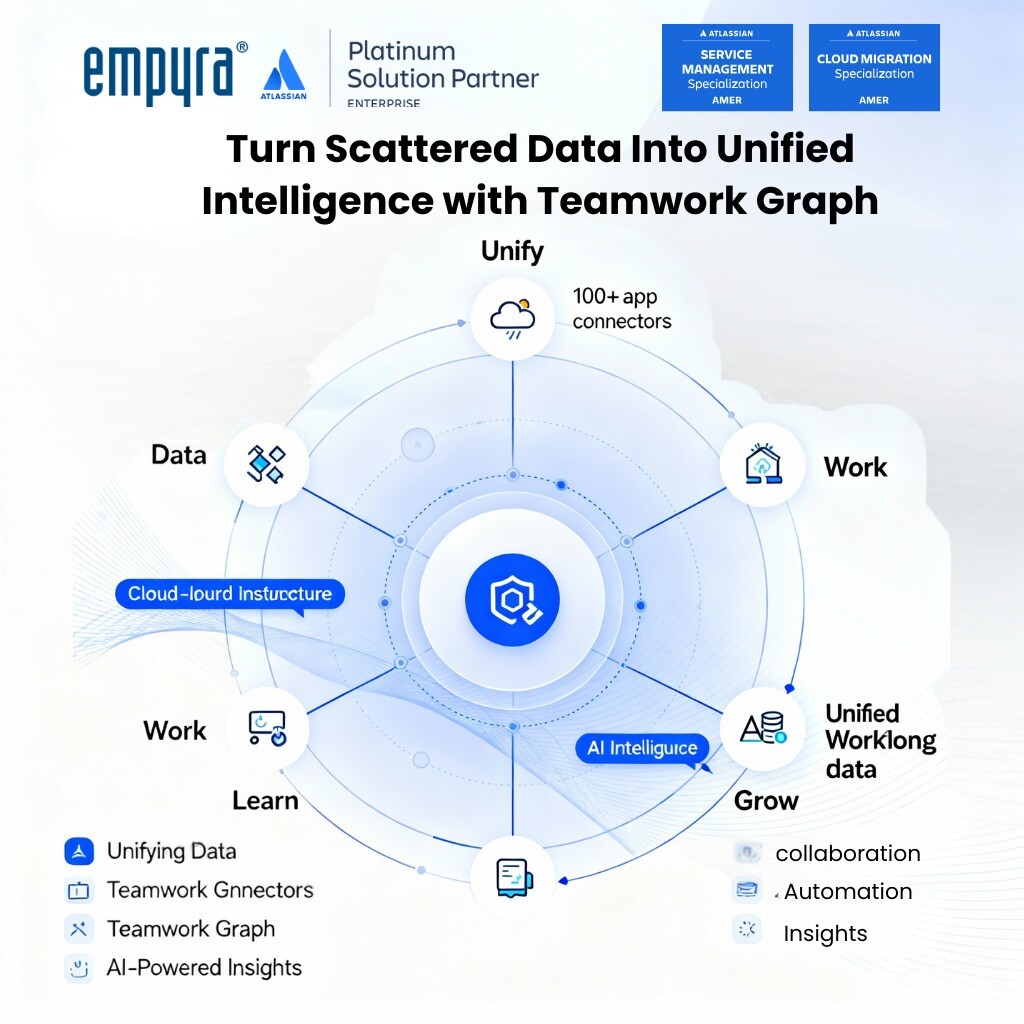
Trello Integrations That Power Smarter Workflows
Trello integrates seamlessly with the tools your team already relies on—helping you centralize work, reduce manual updates, and streamline collaboration. From development to documentation and team chat, these integrations create a unified workspace for smarter, faster workflows.

Jira Integration
Connect Trello with Jira to bridge high-level planning and technical execution. Sync cards with Jira issues to track development work while maintaining project visibility in Trello.

Slack Integration
Link Trello to Slack to receive board updates in real-time, create new cards from conversations, and keep your team aligned—without switching between apps.
Google Drive Integration
Attach, preview, and manage Google Drive files directly within Trello cards. It’s an easy way to ensure important documents are always connected to the right tasks.

Confluence Integration
Combine Trello’s task tracking with Confluence’s rich documentation. Easily embed Trello boards in Confluence pages or link Confluence pages to cards for full project context.

Microsoft Teams Integration
Use Trello inside Microsoft Teams to manage tasks, update cards, and collaborate—right where your team communicates daily.
Why Choose Empyra As Your Atlassian Trello Partner
Choosing the right partner can make all the difference in how effectively your team uses Atlassian Trello. Teams across industries trust Empyra for expert Trello consulting services, setup, and ongoing support.

Certified Atlassian Experts
Work with a team that understands Trello inside out and brings deep knowledge of the entire Atlassian ecosystem.

Tailored Trello Solutions
We don’t offer one-size-fits-all services—your Trello setup is customized to match your exact workflows and team goals.

Seamless Integrations
Empyra ensures your Trello boards connect smoothly with tools like Jira, Slack, and Google Drive for a unified workflow.
.png)
End-to-End Support
From initial setup to training and ongoing optimization, we’re with you every step of the way.
What Our Customers Have to Say
"Empyra has been extremely helpful in getting Cohen & Company’s Atlassian environments up and running. They have been able to provide great guidance in the options available and also have been able to execute on implementation of those options in a timely and effective manner. They have helped us bring in other departments outside of IT to utilize the service desk options to manage requests and workflows with great reviews from those teams."

Chief Technology Officer
Cohen and Company
"The Empyra consultant has allowed us to take the use of Atlassian's Jira product to new levels across the organization, providing significant improvements in workflows in IT as well as many Finance and Operations teams. There have been some complex requests that Empyra have dealt with, and all have been completed professionally, collaboratively, and efficiently. Empyra have always been super responsive, and are keen to work with the various OTC teams to solve their individual business needs."
.png?width=64&height=63&name=Group%2037380%20(1).png)
Roger Abrahams, Senior Vice President - IT
OTC Industrial Technologies
"As our exclusive Atlassian partner, we brought Empyra in to plan, execute and manage our Atlassian migration to the cloud. From pre to post migration activities and support, Empyra was there to support our project team every step of the way. The migration went as smoothly as possible, and there was no major impact to our business operations."
.png?width=64&height=63&name=Group%2037380%20(2).png)
Sr. Manager, Portfolio Management
"I was very pleased with the consistent can-do attitude the Empyra team brought to each meeting, they quickly came up with solutions, suggestions, recommendations on our various challenges and pitfalls during the migration. My team and I really appreciated that the Empyra team made themselves available 24/7 to troubleshoot with us or answered any questions raised in a timely manner."
Sr. Manager, Portfolio Management
"I'd like to extend a heartfelt thank you to the Empyra team for their exceptional support during our migration of Confluence and Jira from server to cloud including 14 managed apps. Their expertise and dedication were instrumental in navigating this complex transition smoothly. We truly couldn't have achieved this milestone without their guidance and hard work. Their efforts were a crucial factor in the success of our migration project, and we are deeply appreciative of their partnership. Thank you, Empyra, for being such a reliable and effective ally in our journey to the cloud!"
Gavi Ornelas-Morales, Tools Support, Supervisor
University of California Office of the President




Book a Free Consultation with Our Atlassian Consulting Partner
Let’s talk about your challenges and how we can solve them—fill out the form and start your Atlassian journey with confidence.
-1.svg)
.png?width=364&height=116&name=sales%20radar%20ai%20logo%202026%20%20(280%20x%2084%20px).png)






.svg)