.svg)
-1.svg)
AI-Powered Screen Recording Software
Record. Share. Collaborate Faster.
Loom Screen Recorder is a screen recording software that also works as a simple video messaging tool for everyday communication. With the Loom screen recorder, you can record your screen, camera, and voice in one go and instantly share it through a link—no downloads or long setups needed. It is a faster, more flexible video communication tool that helps teams save time by replacing unnecessary meetings with clear, on-demand videos.
More Than a Screen Recorder – A Complete Video Communication Tool
A traditional screen recorder is mainly built to capture your screen, but it often stops there—leaving you to download, upload, and manually share files. In contrast, Loom is designed as a complete video communication tool, where recording is just the starting point.
Instead of just creating videos, Loom enables async video communication, allowing teams to record, share, and respond without needing to be in the same meeting or time zone. This makes collaboration faster and more flexible, as feedback, updates, and ideas can be shared instantly through simple video links.

Record, Share and Collaborate in Minutes
Loom lets you capture your screen, webcam, and audio with minimal effort. There's no complicated setup involved. After recording, your video is immediately available to share through a straightforward link, streamlining communication. Teams can then easily collaborate by watching, commenting, and replying, all while keeping their work moving.
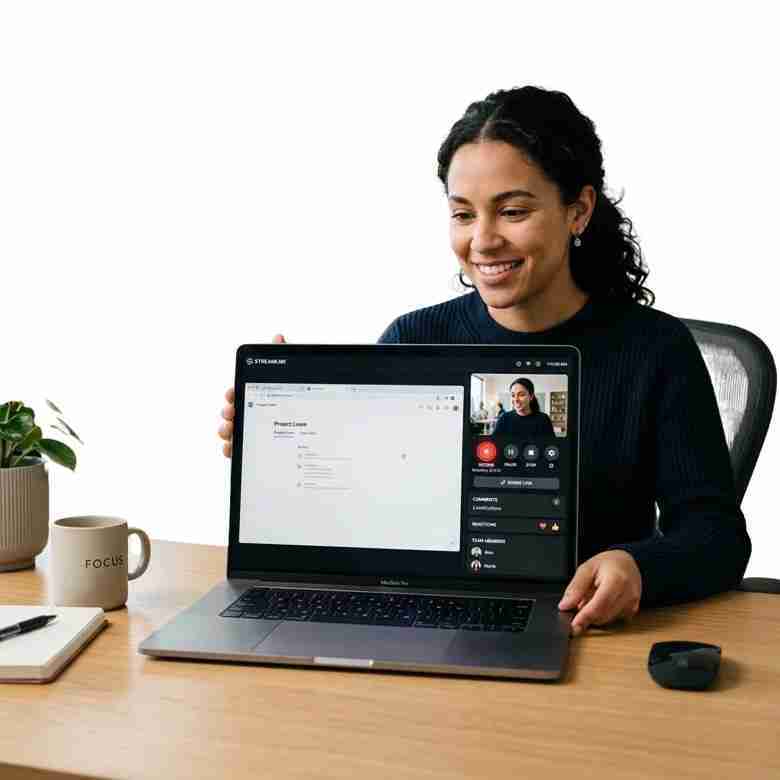
Record Your Screen and Webcam Instantly
Getting started with the Loom is as simple as clicking a button—no complicated setup or technical steps required. This easy-to-use screen recorder for PC lets you capture your screen, webcam, and microphone all at once, making your videos more clear, personal, and engaging. As a reliable video recording software, it helps you explain ideas, share updates, or walk through tasks in a way that feels natural and easy to understand.
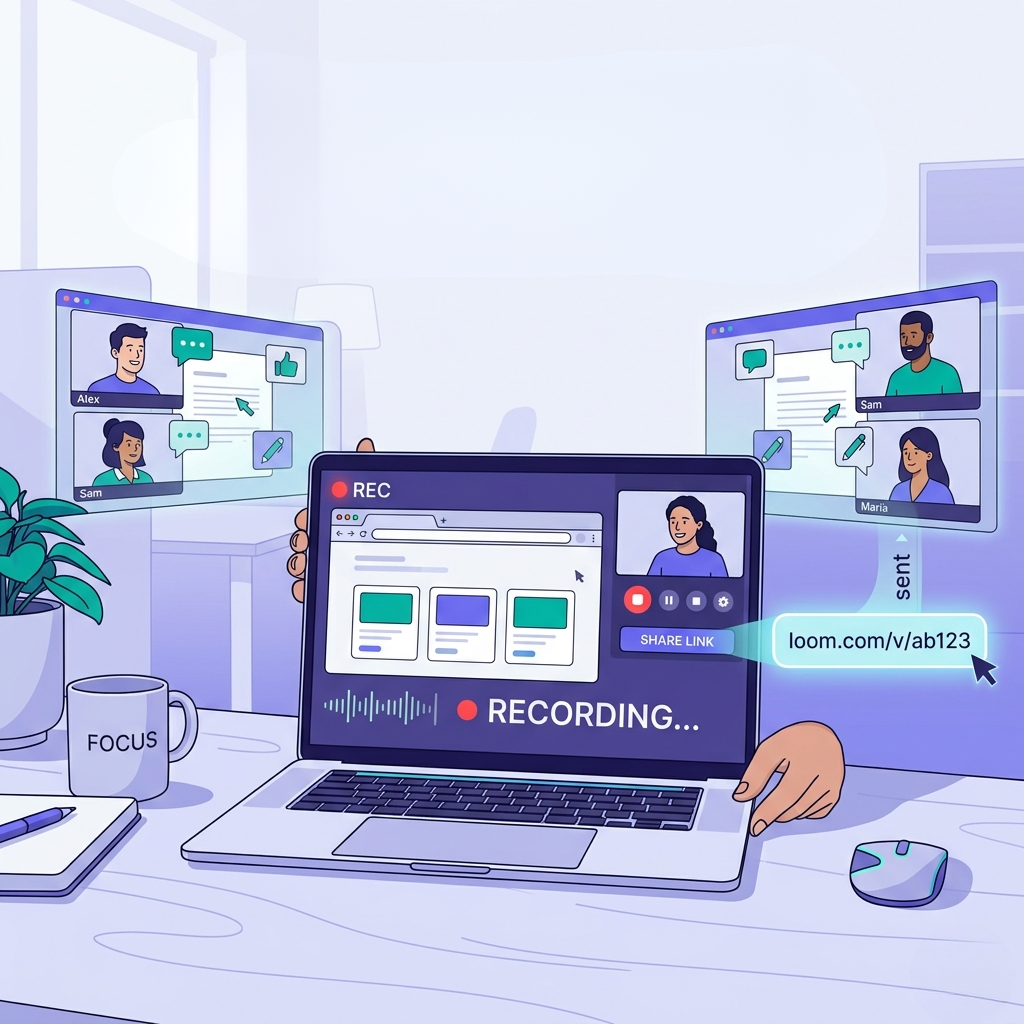
Share Videos Instantly with a Link
Loom eliminates the hassle of downloading or uploading hefty files. Your video is immediately available for sharing as soon as you hit stop. Just grab the link and send it off, simplifying video message creation and communication without any lag time. This straightforward and efficient video messaging tool integrates effortlessly with teams, keeping everyone connected and on the same page, regardless of their location.
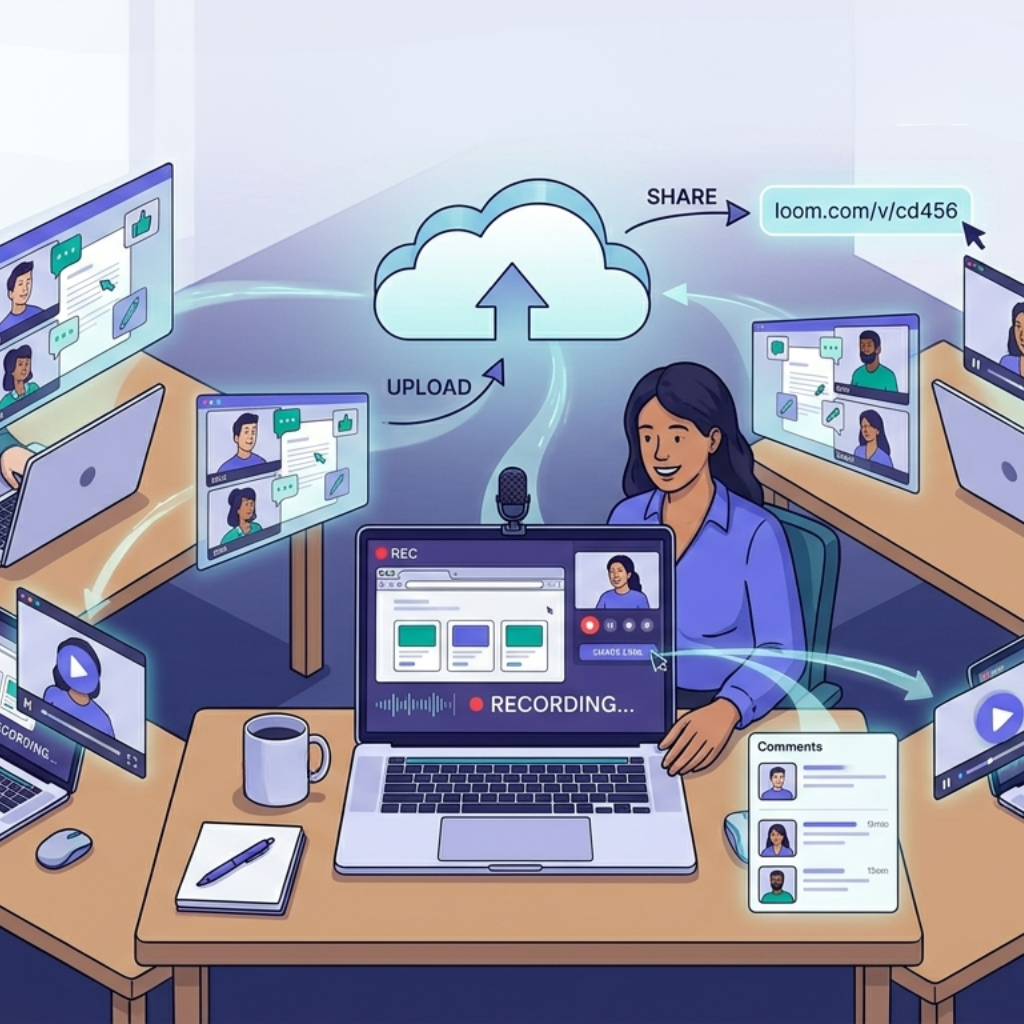
Collaborate with Your Team Seamlessly
With Loom, collaboration goes beyond just sharing videos. Teams can leave comments, reactions, and feedback directly on each video, making it easier to discuss ideas and stay aligned without long email threads or meetings. As a flexible video collaboration tool and video communication tool, it helps create smooth feedback loops so everyone stays on the same page, no matter where they are working from.
AI-Powered Screen Recording Software
Loom elevates the standard screen recording experience, integrating AI to enhance your video content. Beyond simple recording, this software assists in organizing, summarizing, and transforming your videos into practical resources. It streamlines the process, saving time and improving communication, particularly for teams managing various updates and workflows.
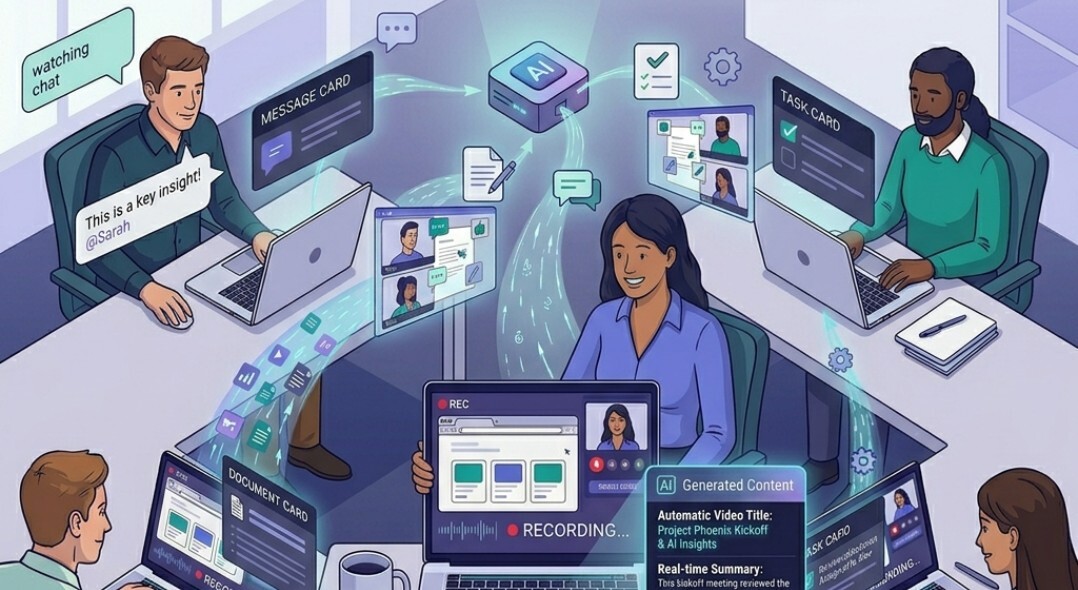
Automatically generate titles, summaries, and chapters
This video recording software, powered by AI, transforms each recording into organized content. It produces concise titles, generates brief summaries, and segments videos into chapters.
This structure simplifies navigation and comprehension. Consequently, the screen recording software becomes more valuable, particularly when sharing lengthy videos with colleagues.
Turn Videos into Documents, Messages, and Tasks
Beyond recording, Loom helps convert your videos into text, making it simple to reuse content for reports, updates, or documentation.
This enables asynchronous video communication, letting teams capture video messages and transform them into useful information. It's a more efficient method for keeping everyone updated, and it cuts down on repetitive tasks.
Why Choose Empyra
.png?width=531&height=622&name=Heading%20(34).png)
Certified Atlassian Expert
.png?width=622&height=622&name=Heading%20(33).png)
30+ years of Experience
.png?width=854&height=622&name=Heading%20(35).png)
End-to-end Implementation
.png?width=760&height=622&name=Heading%20(36).png)
<1 Hour Average Response Time
.png?width=576&height=576&name=Heading%20(37).png)
Custom App & Integration Experts
.png?width=573&height=634&name=Heading%20(38).png)
Cloud & Data centre Specialists
Empyra’s Atlassian Tool Stack








Why Loom is the Best Screen Recording Software
This screen recording software is easy to use and doesn't require any technical setup or learning curve, so any team can use it.
In just a few seconds, you can record your screen, webcam, and voice, and then share the videos right away with a link that doesn't require downloads.
The program has AI that helps make summaries, titles, and chapters. This saves time and makes videos easier to understand.
Share videos across teams, collect feedback, and keep communication flowing without switching between tools.
It can easily change to fit different workflows and team needs, from internal updates to talking to customers.
Instead of making calls that aren't necessary, send quick video updates to keep teams on track and productive.
-2.png?width=1024&height=1024&name=Appserve.ai%20social%20media%5B%20community%20posting%20%5D%20(11)-2.png)
What Our Customers Have to Say
"Empyra has been extremely helpful in getting Cohen & Company’s Atlassian environments up and running. They have been able to provide great guidance in the options available and also have been able to execute on implementation of those options in a timely and effective manner. They have helped us bring in other departments outside of IT to utilize the service desk options to manage requests and workflows with great reviews from those teams."

Chief Technology Officer
Cohen and Company
"The Empyra consultant has allowed us to take the use of Atlassian's Jira product to new levels across the organization, providing significant improvements in workflows in IT as well as many Finance and Operations teams. There have been some complex requests that Empyra have dealt with, and all have been completed professionally, collaboratively, and efficiently. Empyra have always been super responsive, and are keen to work with the various OTC teams to solve their individual business needs."
.png?width=64&height=63&name=Group%2037380%20(1).png)
Roger Abrahams, Senior Vice President - IT
OTC Industrial Technologies
"As our exclusive Atlassian partner, we brought Empyra in to plan, execute and manage our Atlassian migration to the cloud. From pre to post migration activities and support, Empyra was there to support our project team every step of the way. The migration went as smoothly as possible, and there was no major impact to our business operations."
.png?width=64&height=63&name=Group%2037380%20(2).png)
Sr. Manager, Portfolio Management
"I was very pleased with the consistent can-do attitude the Empyra team brought to each meeting, they quickly came up with solutions, suggestions, recommendations on our various challenges and pitfalls during the migration. My team and I really appreciated that the Empyra team made themselves available 24/7 to troubleshoot with us or answered any questions raised in a timely manner."
Sr. Manager, Portfolio Management
"I'd like to extend a heartfelt thank you to the Empyra team for their exceptional support during our migration of Confluence and Jira from server to cloud including 14 managed apps. Their expertise and dedication were instrumental in navigating this complex transition smoothly. We truly couldn't have achieved this milestone without their guidance and hard work. Their efforts were a crucial factor in the success of our migration project, and we are deeply appreciative of their partnership. Thank you, Empyra, for being such a reliable and effective ally in our journey to the cloud!"
Gavi Ornelas-Morales, Tools Support, Supervisor
University of California Office of the President





Get the Right Loom Plan for Your Team
Tell us what you need, and our team will help you choose the best Loom solution for faster communication and better workflows.
-1.svg)
.png?width=364&height=116&name=sales%20radar%20ai%20logo%202026%20%20(280%20x%2084%20px).png)





.svg)