.svg)

Trello Pricing- Plans, Costs & Licensing Guide
Trello pricing runs from $0 on the Free plan to $17.50 per user, per month on Enterprise, with Standard at $5/user/month and Trello Premium at $10/user/month (billed annually). All four Trello plans Free, Standard, Premium, and Enterprise add more boards, automation, views, and admin control as you move up, so the right Trello plan depends on team size and how much reporting or security your organization needs.
Trello Premium in particular is the tier most growing teams ask us about, since it unlocks Timeline, Calendar, Table, and Dashboard views. As an Atlassian Platinum Solution Partner, Empyra helps you compare Trello plans, pick the correct one, license it at the right seat count, and roll it out without overpaying. Talk to us before you buy and we'll confirm current Trello pricing for your exact team size.
Trusted by 1000+ happy Enterprises Globally

.svg)
.svg)
.svg)
.svg)
.svg)
.svg)
.svg)
Trello Pricing at a Glance
Compare all four Trello plans below before you commit to a seat count. Trello pricing has four tiers: Free ($0), Standard ($5/user/month), Trello Premium ($10/user/month), and Enterprise (from $17.50/user/month). Most growing teams that need Timeline, Calendar, and Dashboard views choose Trello Premium. Annual billing saves roughly 20% over monthly pricing on the Standard and Premium Trello plans. This Trello pricing guide was last verified in September 2026.
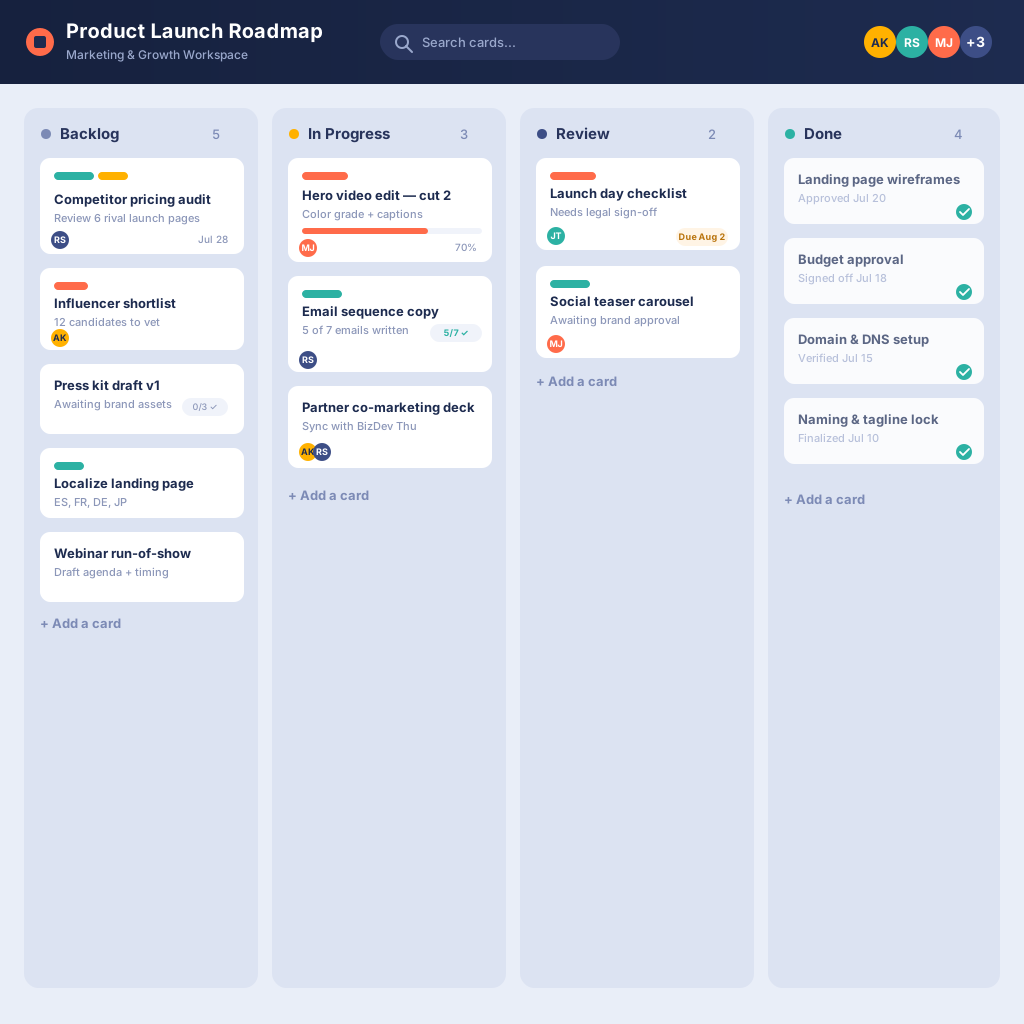
Free
$0
Unlimited cards and collaborators, up to 10 boards per Workspace, 250 automation runs/month. Best for individuals and very small teams.

Standard
$5/user/month (annual) or $6 (monthly):
Unlimited boards, custom fields, card mirroring, 1,000 automation runs/month. Best for small-to-mid teams running multiple boards.

Trello Premium
$10/user/month (annual) or $12.50 (monthly)
Adds Timeline, Calendar, Table, Dashboard, and Map views, unlimited automation, and admin/security controls. Best for teams up to ~100 that need multiple project views.

Enterprise
from $17.50/user/month (annual, 50-user minimum)
Adds unlimited Workspaces, org-wide permissions, and free SSO via Atlassian Guard. Best for large, security-conscious organizations.

Compare Trello Pricing Plans
Not sure which Trello plan is right for your team?
Compare the Free, Standard, Premium, and Enterprise plans side by side to find the features that match your team's size, collaboration needs, and workflow complexity.
| Feature | Free | Standard | Premium | Enterprises |
|
Unlimited Cards Create and organize as many cards as your projects require without worrying about usage limits. |
![Appserve.ai social media[ community posting ] (3)-1](https://www.empyra.com/hs-fs/hubfs/Appserve.ai%20social%20media%5B%20community%20posting%20%5D%20(3)-1.png?width=21&height=21&name=Appserve.ai%20social%20media%5B%20community%20posting%20%5D%20(3)-1.png) |
|
|
|
|
Quick Capture Quickly save tasks, notes, and conversations from email, Slack, and Microsoft Teams into Trello. |
|
|
|
|
|
Quick Capture Powered by AI Use AI to instantly turn messages, emails, and conversations into actionable tasks and notes. |
|
|
|
|
|
Inbox Collect tasks, reminders, and messages in one place before organizing them into your boards. |
|
|
|
|
|
Planner (View-Only) View scheduled cards in a calendar format and sync events with your preferred calendar apps. |
|
|
|
|
|
Planner (Full Access) Schedule work with drag-and-drop functionality and synchronize project timelines across connected tools. |
|
|
|
|
|
Card Mirroring Keep linked cards synchronized across multiple boards, ensuring updates stay consistent everywhere. |
|
|
|
|
|
Built-In Automation Automate repetitive tasks using Trello's built-in no-code workflow automation. |
|
|
|
|
|
Assignee and Due Dates Assign work to teammates and track deadlines directly from each Trello card. |
|
|
|
|
|
iOS and Android Mobile Apps Access and manage your boards anytime using the Trello mobile app for iOS and Android. |
|
|
|
|
|
Desktop App Stay productive with the Trello desktop application for Windows and macOS. |
|
|
|
|
|
Unlimited Activity Logs Access your complete board activity history without storage or time restrictions. |
|
|
|
|
|
Trello Templates Kickstart projects with ready-made templates created by Trello and its community. |
|
|
|
|
|
2-Factor Authentication Protect your account with an extra layer of authentication for enhanced security. |
|
|
|
|
|
Mobile Device Management Secure mobile access with built-in support for enterprise MDM solutions on iOS and Android. |
|
|
|
|
|
Unlimited Power-Ups Connect Trello with hundreds of popular business tools and integrations to extend functionality. |
|
|
|
|
|
Unlimited Workspace Collaborators Invite team members to collaborate without collaborator limits based on your selected plan. |
Up to 10 collaborators | |
|
|
|
Unlimited Boards Build as many boards as needed to organize projects, departments, and workflows. |
|
|
|
|
|
Advanced Checklists Create detailed checklists with assigned owners and due dates for better task management. |
|
|
|
|
|
Custom Fields Add structured information to cards using customizable fields tailored to your workflow. |
|
|
|
|
|
Collapsible Lists Collapse or expand board lists to reduce clutter and focus on active work. |
|
|
|
|
|
List Colors Highlight lists with colors to improve organization and quickly identify priorities. |
|
|
|
|
|
AI Boost productivity with AI-powered writing, editing, brainstorming, and content suggestions. |
|
|
|
|
|
Dashboard View Monitor project performance with visual reports, charts, and real-time insights. |
|
|
||
|
Map View Display location-based tasks on an interactive map for better planning and coordination. |
|
|
||
|
Timeline View Timeline ViewVisualize project schedules and dependencies to keep work progressing on time. |
|
|
||
|
Table View Manage work in a spreadsheet-style layout with powerful sorting and editing capabilities. |
|
|
||
|
Calendar View Track upcoming tasks, deadlines, and schedules using an interactive calendar. |
|
|
||
|
Workspace Table View View and organize tasks across multiple boards in a centralized table interface. |
|
|
||
|
Workspace Calendar View See project schedules from every board in a single workspace calendar. |
|
|
||
|
Workspace-Level Templates Create reusable templates that can be shared across your entire workspace. |
|
|
||
|
Command Run Administration Give administrators control over automation commands and workspace maintenance. |
|
|
||
|
Board Collections Group related boards together for easier navigation across teams and projects. |
|
|
||
|
Observers Allow users to monitor board activity without granting editing permissions. |
|
|
||
|
Domain-Restricted Invites Limit workspace invitations to approved email domains for better access control. |
|
|
||
|
Deactivate Members Temporarily deactivate users while preserving their board history and permissions. |
|
|
||
|
Simple Data Export Export board data for reporting, backups, or external analysis with ease. |
|
|
||
|
Unlimited Command Runs Execute automation rules without limits to streamline repetitive workflows. |
|
|
||
|
SAML SSO via Atlassian Guard Enable secure single sign-on using Atlassian Guard for centralized identity management. |
|
|
|
|
|
Unlimited Workspaces Create and manage unlimited workspaces to organize teams and business units. |
|
|||
|
Power-Up Administration Centrally manage integrations and Power-Up permissions across your organization. |
|
|||
|
Attachment Restrictions Control which file attachments can be uploaded to improve security and compliance. |
|
|||
|
Organization-Wide Permissions Apply consistent permission settings across every workspace and board. |
|
|||
|
Organization Visible Boards Share approved boards across your organization for improved collaboration and transparency. |
|
|||
|
Public Board Management Manage public board visibility and permissions with centralized administrative controls. |
|
|||
|
Support Access plan-specific support options, from community assistance to dedicated enterprise support. |
Community Support |
Local Business Hours |
24/5 Premium Support |
24/7 Enterprise Admin Support |
What Our Customers Have to Say
"Empyra has been extremely helpful in getting Cohen & Company’s Atlassian environments up and running. They have been able to provide great guidance in the options available and also have been able to execute on implementation of those options in a timely and effective manner. They have helped us bring in other departments outside of IT to utilize the service desk options to manage requests and workflows with great reviews from those teams."
Chief Technology Officer
Cohen and Company
"The Empyra consultant has allowed us to take the use of Atlassian's Jira product to new levels across the organization, providing significant improvements in workflows in IT as well as many Finance and Operations teams. There have been some complex requests that Empyra have dealt with, and all have been completed professionally, collaboratively, and efficiently. Empyra have always been super responsive, and are keen to work with the various OTC teams to solve their individual business needs."
Roger Abrahams, Senior Vice President - IT
OTC Industrial Technologies
"As our exclusive Atlassian partner, we brought Empyra in to plan, execute and manage our Atlassian migration to the cloud. From pre to post migration activities and support, Empyra was there to support our project team every step of the way. The migration went as smoothly as possible, and there was no major impact to our business operations."
Sr. Manager, Portfolio Management
"I was very pleased with the consistent can-do attitude the Empyra team brought to each meeting, they quickly came up with solutions, suggestions, recommendations on our various challenges and pitfalls during the migration. My team and I really appreciated that the Empyra team made themselves available 24/7 to troubleshoot with us or answered any questions raised in a timely manner."
Sr. Manager, Portfolio Management
"I'd like to extend a heartfelt thank you to the Empyra team for their exceptional support during our migration of Confluence and Jira from server to cloud including 14 managed apps. Their expertise and dedication were instrumental in navigating this complex transition smoothly. We truly couldn't have achieved this milestone without their guidance and hard work. Their efforts were a crucial factor in the success of our migration project, and we are deeply appreciative of their partnership. Thank you, Empyra, for being such a reliable and effective ally in our journey to the cloud!"
Gavi Ornelas-Morales, Tools Support, Supervisor
University of California Office of the President
"monday.com and Empyra provided us with a scalable solution that allows my team to respond quickly to client requests. Additionally, the user-friendly UI with improved workflows helped our underwriting team manage the business in one platform alongside business development. Empyra has done a wonderful job and I envision a long-term relationship on a go-forward basis."
-Aug-01-2024-09-50-04-7382-AM.png?width=100&height=100&name=Untitled%20design%20(14)-Aug-01-2024-09-50-04-7382-AM.png)
Daniel Cottrel
Managing Partner, VasarcaRx





Book a Free Consultation with Our Atlassian Consulting Partner
Let’s talk about your challenges and how we can solve them—fill out the form and start your Atlassian journey with confidence.
.png?width=364&height=116&name=sales%20radar%20ai%20logo%202026%20%20(280%20x%2084%20px).png)






.svg)